My father called the other day. He just wanted to check in and ask if I could keep myself busy. “Oh yes,” I replied, “things are going quite well” - all while mumbling something about wishing the days were longer as I considered telling him about just a fraction of what I’m working on these days.
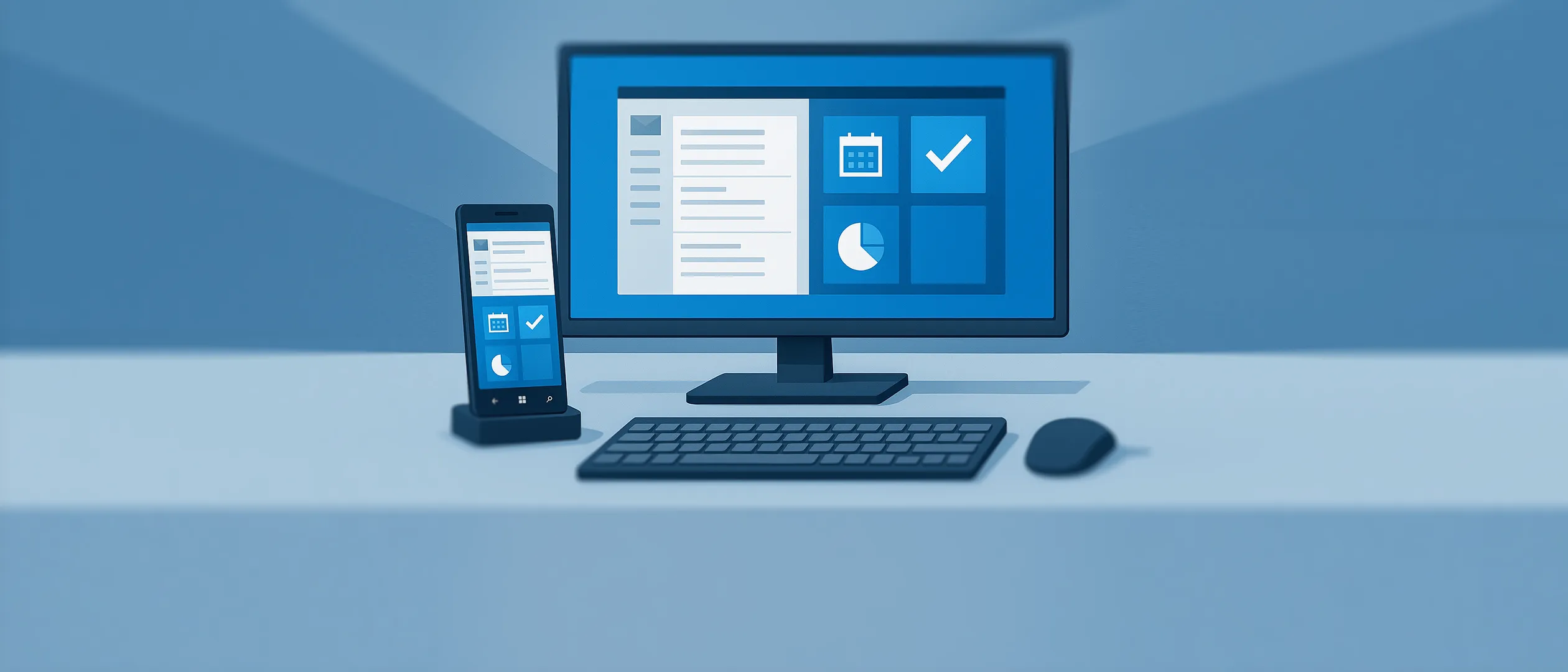
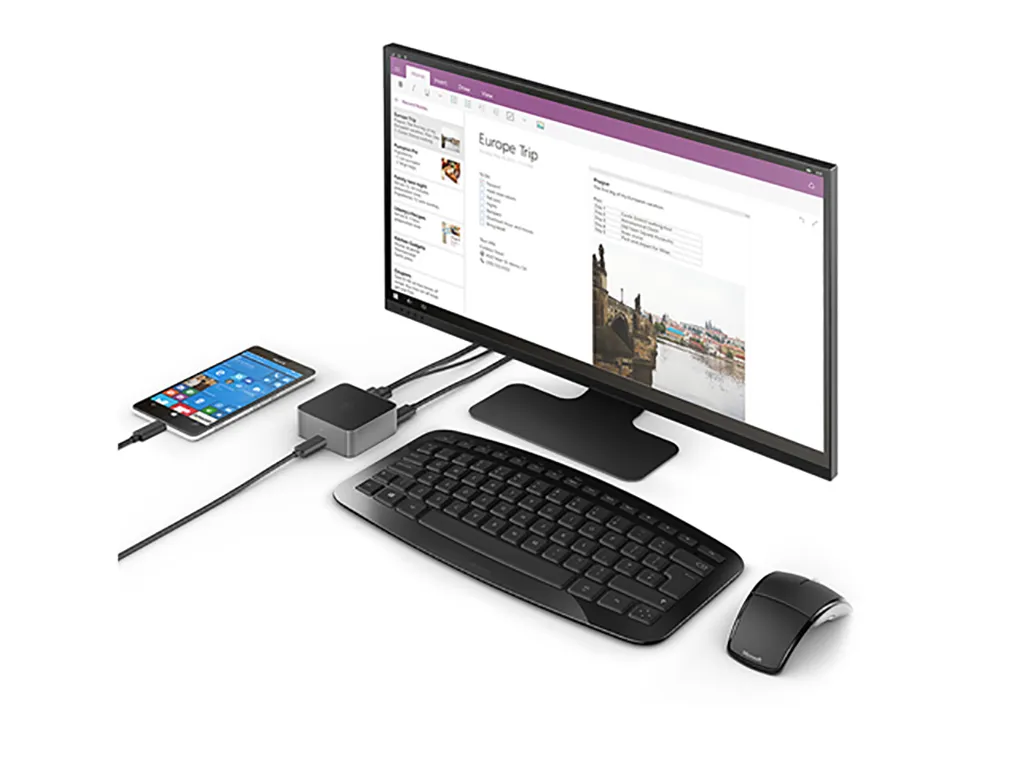
My father knows I work with Windows. He also knows he has Windows on his computer. But I’m not entirely sure he would have understood what I was talking about if the conversation had turned to some peculiarities with in-place upgrades of the latest Windows 10 preview build, or the possibilities with Azure and Azure AD, integrated security, cloud-joined computers, OneDrive for Business integration - or the fact that I had just connected my Windows phone to a docking station and read emails, worked on image editing, and connected to my work PC, all from the same mobile phone with an external monitor, mouse, and keyboard. A capability I have talked about for a long time, mostly as a hypothetical feature, but which is now a reality.
After we had exchanged the usual pleasantries and hung up, I sat pondering the stream of new technologies and areas that we IT professionals must now be familiar with - areas that extend far beyond what we have traditionally had to deal with.
The Changing Role of IT Professionals
I work daily in our Microsoft team, and we do a lot of deployment work. Traditionally, this has been concentrated on backend servers and infrastructure configuration. Today, we are seeing a shift, not least with the introduction of Windows 10, where we need to be versatile.
The model where all devices are managed with Active Directory and domain membership is changing daily. A “traditional” Active Directory is simply not flexible enough in a mixed infrastructure where personal and often private devices are used - and most of the time, it’s not just Windows devices but an assorted mix that needs to be managed.
This is where versatility comes in. The traditional deployment consultant is a thing of the past. Now we must be able to handle all models, regardless of colour, shape, or operating system. We need to understand the possibilities and pitfalls across a broad spectrum to ensure both device and data security in the most optimal way.
Looking Back at 2015
When I look back at the last months of 2015, it is with a certain respect. News came flying in from all directions. Not least the long-awaited Windows 10 1511, followed by the Windows Business Store, which gives enterprises access to create private areas of the Windows Store. And just before Christmas, Microsoft released the new OneDrive and OneDrive for Business client - a sync engine that supports both personal OneDrive and OneDrive for Business.
And it does not look like 2016 will be any quieter.
The Infrastructure Behind the Scenes
What we sometimes forget to mention is that behind all these new initiatives lies infrastructure - but it is no longer infrastructure sitting in the server room. It is now placed in the cloud.
The foundation for OneDrive for Business and Windows Business Store is Azure AD. We foresee that Azure AD will be just as common as traditional Active Directory in the near future, and many of the new capabilities require Azure AD.
Remember: if your company already has Office 365, you also have Azure AD - and thereby access to managing your devices in a new and flexible way.
Windows 10: The Future Is Now
What ties it all together is Windows 10. With only a little over six months in production, there is no doubt that Windows 10 is the operating system of the future. Microsoft has set a new standard for how enterprises manage their devices.
It is no longer a question of controlling the device - it is a question of how we protect the data that resides on the device.
–Jesper